
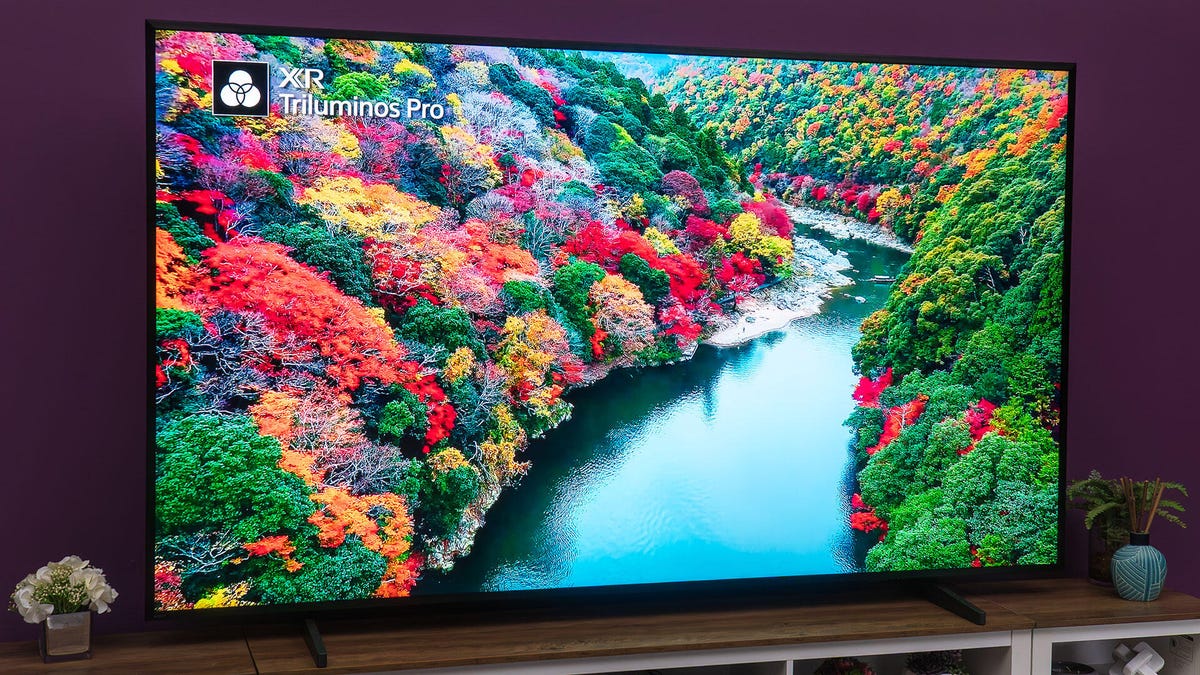
In an era where technology shapes our daily experiences, getting the most out of our devices shouldn't require a computer science degree. Sony Bravia televisions, with their sophisticated picture processing capabilities, exemplify both the promise and complexity of modern consumer technology.
For viewers seeking immediate improvements without diving into technical rabbit holes, three key adjustments can transform your viewing experience and make your investment in quality technology truly worthwhile.
Auto Picture Mode: Let Technology Work for You
The first setting to enable is Auto Picture Mode, which represents the kind of intuitive technology that should be standard across all consumer electronics. This feature automatically detects content type and adjusts picture settings accordingly, switching between Cinema mode for movies and Game mode for console gaming.
However, this feature highlights a broader issue with modern tech: compatibility problems. If you've disabled HDMI-CEC or use blocking devices, Auto Picture Mode won't function properly. This dependency reflects how interconnected our devices have become, sometimes creating barriers for users who prioritize privacy or prefer manual control.
Ambient Light Sensors: Accessibility Through Automation
Sony's built-in light sensors automatically adjust screen brightness based on room conditions, representing genuine progress in accessibility and user experience. This technology particularly benefits households with varying lighting conditions throughout the day, reducing eye strain and energy consumption.
Yet the option to override these sensors remains crucial. Manual brightness control becomes especially important with OLED models, which prioritize color accuracy over peak brightness. This trade-off exemplifies how technological advancement doesn't always mean uniformly "better" experiences, but rather more nuanced choices that should be accessible to all users.
Motion Smoothing: When Technology Overreaches
Perhaps the most significant adjustment involves disabling motion smoothing features like CineMotion, Motionflow, and blur reduction. These settings artificially increase frame rates, creating an unnatural "soap opera effect" that fundamentally alters artistic intent.
This represents a broader tension in consumer technology: the assumption that "more" always equals "better." Motion smoothing demonstrates how technological capabilities can override creative decisions made by filmmakers and content creators, raising questions about who ultimately controls our media consumption experience.
The Bigger Picture: Technology and Consumer Rights
These seemingly simple TV adjustments reflect larger issues around digital literacy, consumer empowerment, and corporate responsibility. Companies should design technology that enhances rather than complicates user experiences, while consumers deserve clear information about how their devices process and present content.
As our homes become increasingly connected, understanding and controlling these settings becomes not just about picture quality, but about maintaining agency over our digital experiences. Whether you're streaming content, gaming, or watching broadcast television, these adjustments ensure your Sony TV serves your preferences rather than corporate defaults.
The goal isn't perfection but empowerment: giving users the tools and knowledge to make informed decisions about their technology, creating viewing experiences that truly reflect individual needs and values.