
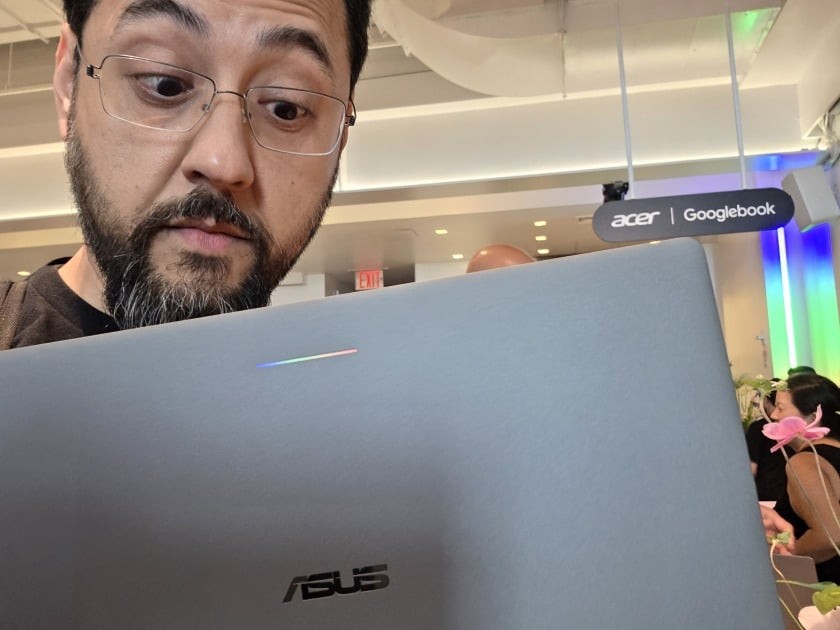
Google launched its new Googlebook laptop line with the promise of an Android phone and a notebook sharing one brain, but hands-on testing published by PC Magazine on October 18, 2026 found the operating system far from ready for prime time. The review, written after extended use of an Asus Googlebook 14, describes an OS that stumbles on basics: search, email, file transfers, and even the browser choice.
Google markets Googlebooks as Android's perfect partner. PC Magazine's reviewer came away with a different verdict: the software needs years more refinement before it can rival Windows or macOS.
What Went Wrong in Testing
According to PC Magazine, the problems started with something as simple as finding an app. Typing mail into the Googlebook's search returned web results instead of the Gmail app. Only the full word Gmail surfaced the application.
The Gmail app itself behaved like a browser tab, showing one account at a time with no All inboxes option, unlike the phone and tablet versions. Pairing a Samsung Galaxy S25 Ultra failed entirely at launch because Googlebooks did not support Samsung phones, a gap the company has since patched. App casting, the flagship feature that mirrors phone apps on the laptop, did work with a Pixel 11 Pro, but security blocks on apps like authenticators often sent the reviewer right back to the phone.
File transfers proved equally frustrating. Moving 30GB from Google Drive through the built-in Files app failed repeatedly until a third-party file manager, Solid Explorer, handled the job without issue. The Brave browser, the reviewer's default on other devices, broke after half a day on the Googlebook, and Microsoft Edge would not load past its splash screen. Only Chrome worked fully, and even then the reviewer's bookmarks and browsing history did not carry over.
Does Gemini Save the Experience?
Google has pitched deep Gemini integration as the Googlebook's defining feature, and PC Magazine's testing found the assistant handles questions and planning well. The Magic Pointer, which offers AI help for items selected on screen, worked as advertised, and a G+Spacebar shortcut summons Gemini anywhere.
Actually getting things done is another matter. Asked to rename files, install an app, turn on dark mode, or find local files, Gemini repeatedly pointed the reviewer back to built-in search tools rather than completing the task. The reviewer's conclusion was blunt: the OS dodges, and the tools it points to don't work well either.
Independent Reviews Agree the OS Needs Work
PC Magazine is not alone in this assessment.